

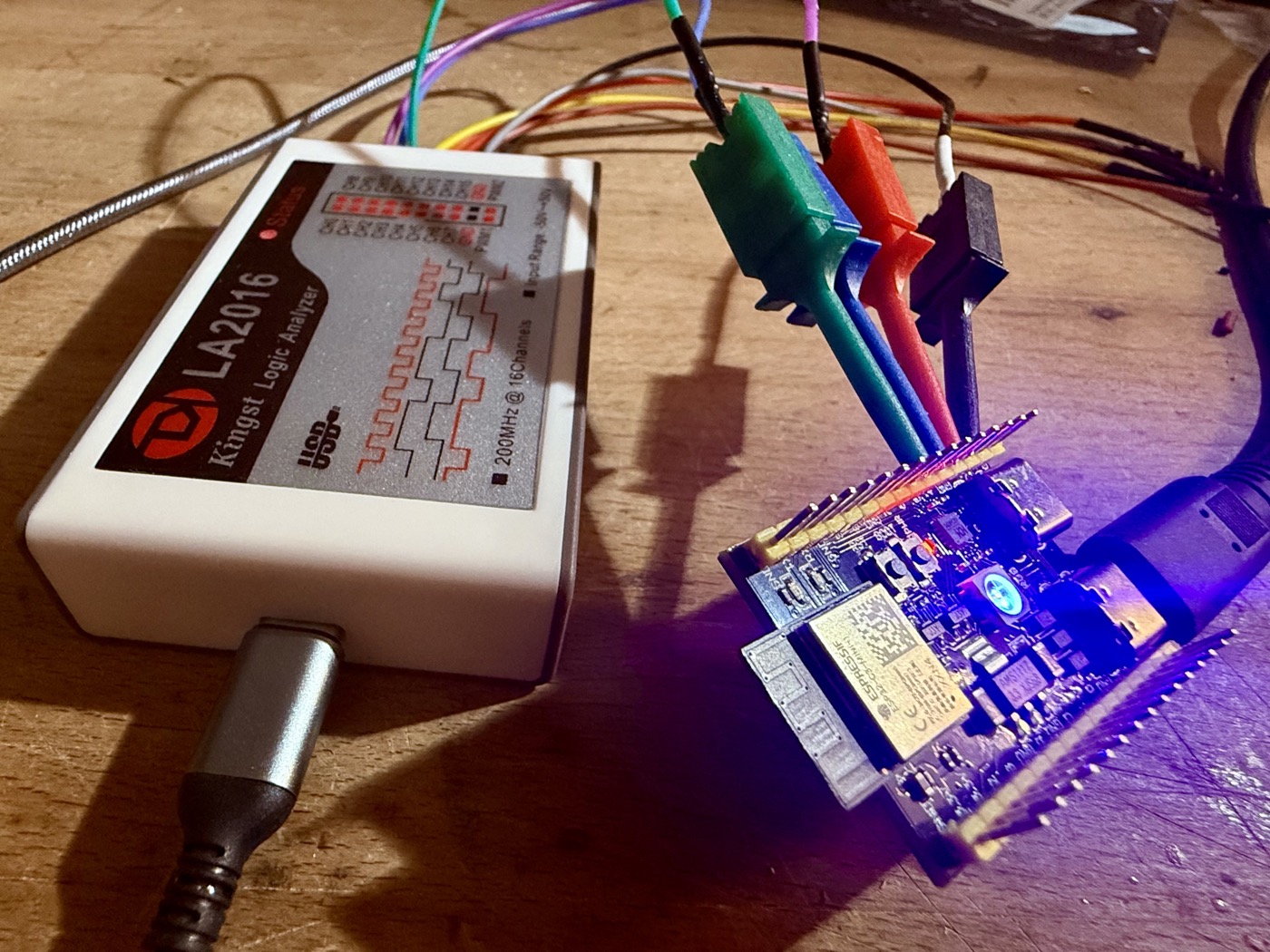
Here's how I got the Kingst LA2016 logic analyzer working on Linux with the open-source sigrok/PulseView software.
The Problem
When you first plug in the LA2016 and try to scan for devices with sigrok, you'll likely see something like this:
$ sigrok-cli --scan
sr: resource: Failed to open resource 'kingst-la-01a2.fw'
sr: kingst-la2016: MCU firmware upload failed.
The following devices were found:
demo - Demo device with 13 channels: D0 D1 D2 D3 D4 D5 D6 D7 A0 A1 A2 A3 A4
Or possibly it won't show up at all:
sigrok-cli --scan
The following devices were found:
demo - Demo device with 13 channels: D0 D1 D2 D3 D4 D5 D6 D7 A0 A1 A2 A3 A4
Two issues here:
-
Old sigrok version - The Kingst LA2016 driver was added to libsigrok relatively recently. The version in Ubuntu/Debian repositories (0.5.2) is too old.
-
Missing firmware - The LA2016 needs firmware uploaded to its MCU and FPGA each time it's connected. This firmware isn't open source and must be extracted from Kingst's official software.
Here's how to fix both.
Step 1: Get the Nightly Sigrok Builds
Grab the nightly AppImages directly from sigrok.org:
cd ~/Software  # or wherever you keep things
mkdir logic-analyzer && cd logic-analyzer

wget https://sigrok.org/download/binary/pulseview/pulseview-NIGHTLY-x86_64-release.AppImage
wget https://sigrok.org/download/binary/sigrok-cli/sigrok-cli-NIGHTLY-x86_64-release.AppImage
chmod +x *.AppImage
These contain a much newer libsigrok with full Kingst support.
Step 2: Download the Kingst Linux Software
Download KingstVIS for Linux from: https://www.qdkingst.com/en/download
tar -xzf KingstVIS_v3.6.5.tar.gzStep 3: Extract the Firmware
Clone the sigrok-util repository, which contains the extraction script:
git clone https://github.com/sigrok/sigrok-util.gitNow run the extractor against the Linux binary:
python3 sigrok-util/firmware/kingst-la/sigrok-fwextract-kingst-la2016 KingstVIS/KingstVISYou should see output like:
resource fwusb/fw01A2, file kingst-la-01a2.fw, size 5430, checksum 720551a9
resource fwfpga/LA2016, file kingst-la2016-fpga.bitstream, size 178542, checksum 20694ff1
...
The script extracts firmware for the entire Kingst product line. For the LA2016, you need kingst-la-01a2.fw and kingst-la2016-fpga.bitstream.
Step 4: Install the Firmware
Copy the firmware files where sigrok can find them:
sudo mkdir /usr/share/sigrok-firmware
sudo cp kingst-la*.fw /usr/share/sigrok-firmware/
sudo cp kingst-la*-fpga.bitstream /usr/share/sigrok-firmware/
Step 5: Set Up Permissions
Create a udev rule so you don't need root to access the device:
sudo tee /etc/udev/rules.d/60-kingst.rules << 'EOF'
# Kingst Logic Analyzers
SUBSYSTEM=="usb", ATTR{idVendor}=="77a1", ATTR{idProduct}=="01a2", MODE="0666", GROUP="plugdev"
EOF

sudo udevadm control --reload-rules
sudo udevadm trigger
Unplug and replug your LA2016.
Step 6: Verify It Works
./sigrok-cli-NIGHTLY-x86_64-release.AppImage --scanYou should now see:
The following devices were found:
kingst-la2016 - Kingst LA2016 with 16 channels: 0 1 2 3 4 5 6 7 8 9 10 11 12 13 14 15
Launch PulseView:
./pulseview-NIGHTLY-x86_64-release.AppImageSelect the Kingst LA2016 from the device dropdown and you're ready to capture.
Quick Capture Test
From the command line, capture 1000 samples at 1 MHz:
./sigrok-cli-NIGHTLY-x86_64-release.AppImage -d kingst-la2016 --config samplerate=1M --samples 1000 -O asciiTroubleshooting
"Cannot open device" or permission denied
- Check
lsusb | grep 77a1to confirm the device is connected - Verify udev rules:
cat /etc/udev/rules.d/60-kingst.rules - Make sure you replugged the device after adding rules
"Failed to open resource" errors
- Firmware files aren't where sigrok expects them
- Try
SIGROK_FIRMWARE_DIR=/path/to/firmware ./pulseview-NIGHTLY-x86_64.AppImage
Device detected but capture fails
- Try a lower sample rate first (1 MHz)
- Check USB connection - use a good cable and preferably USB 3.0 port
Tested with Kingst LA2016, KingstVIS v3.6.5, and sigrok nightly builds from January 2026.